Diaries without the back-and-forth
The client’s meals, calories and macros are already collected. No need to ask for photos or compile reports by hand.
VEQO collects the client’s food diary, weight and measurements and shows you the numbers already worked out — and tells you who to message first.
Today
Who to message
Alina
3 days without entries
Timur
Protein below target
Malika
−0.4 kg this week
What you get
Less time collecting data. More time on the decisions that actually help the client.
The client’s meals, calories and macros are already collected. No need to ask for photos or compile reports by hand.
The dashboard highlights the clients who need your attention and feedback right now.
Describe how you work with clients so they know up front what’s included.
Connect an existing client in moments — no complicated sign-up and no separate spreadsheets.
What it looks like
Who needs attention
Today, 1,420 of 1,850 kcal
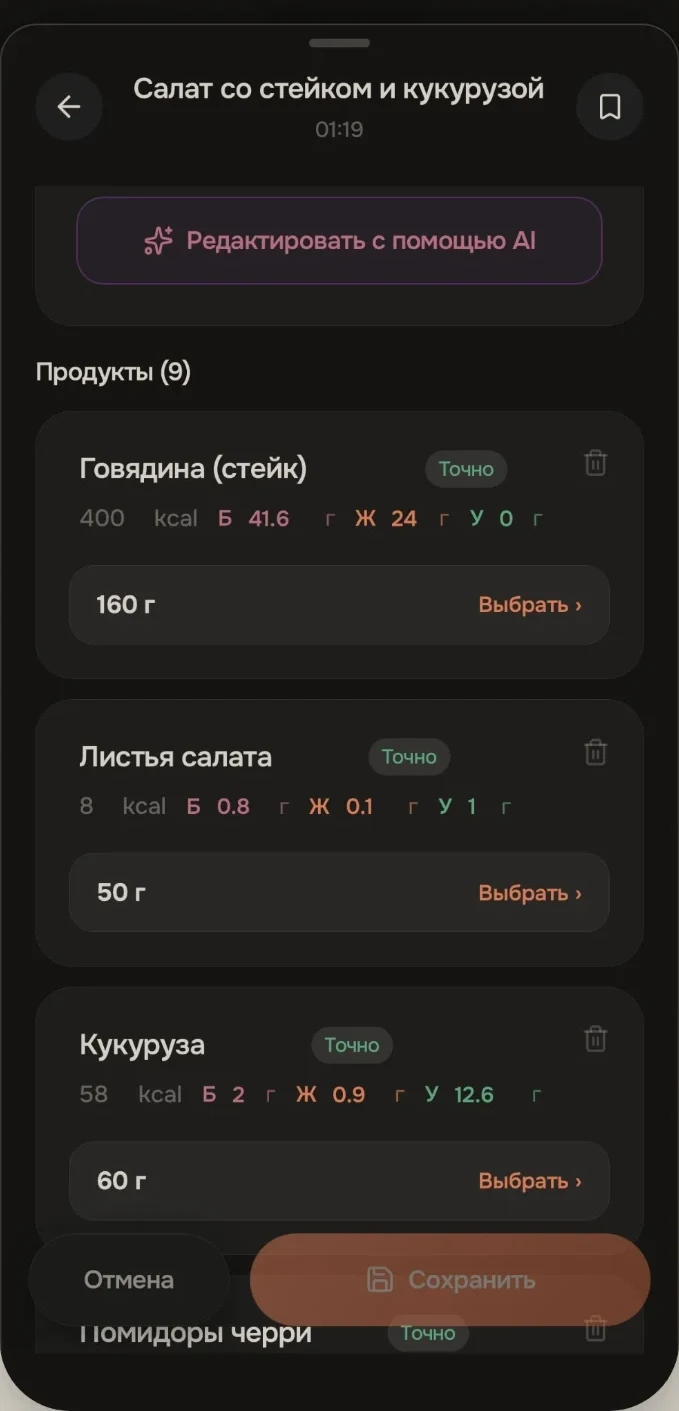
Weight and nutrition over 7 days
−0.4 kg this week
Why nutrition
A workout takes an hour. Nutrition shapes the rest of the day. VEQO gives you facts instead of guesses about what the client really eats.
How to start
Download VEQO, open “Profile”, tap “Become a mentor” and tell us about yourself and your practice.
A mentor becomes the face of VEQO for their clients, so it matters to us to get to know you.
Once you are approved, we help you set up your services and find your way around the dashboard.
Send a link or QR code and start working with them in one place.
Starter kit
After approval you get materials that make it easier to put together your offer and connect your first clients.
Payments and terms
Payment for services inside the app is rolling out in stages. The platform takes 20% of the service payment, 80% stays with you. Taxes depend on your status and are calculated separately; the terms are in the offer.
Good to know upfront
The client connects a mentor themselves by link or QR code and can disconnect at any time. You see the diary, weight and measurements only through a connection the client made themselves; when the connection ends, your access ends. This is a transparent data-protection rule.
FAQ
How to apply
You apply in the app; there is no form on the website. Download VEQO, open “Profile”, choose “Become a mentor” and fill in the form.
Install the app from the App Store or Google Play and create an account.
In “Profile”, choose “Become a mentor”.
Tell us about yourself and your practice, add a photo of yourself (your face must be visible) and your contacts, accept the offer and submit. We will review your application manually and get in touch.